

Use a browser PPTX viewer
A browser viewer is useful for quick, read-only presentation checks.
It can help when you want to:
- open a PPTX file without PowerPoint;
- preview slides before a meeting;
- check whether a file is the right presentation;
- read slide text on a device without PowerPoint;
- avoid uploading the presentation for a basic preview.
Open PPTX Viewer, choose the file from your device, and review the slide preview.
For other file formats, see Utilio file viewers.
What stays local
For Utilio’s local PPTX viewing workflow:
- the PPTX file is not uploaded to Utilio servers;
- slide rendering happens in your browser;
- the preview is created on your device;
- Utilio does not store the presentation contents.
This is useful when you need a quick preview and do not want to send the file to a server.
Read How browser-local processing works for more detail.
What the visual preview supports
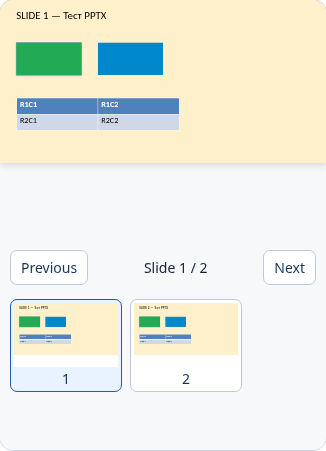
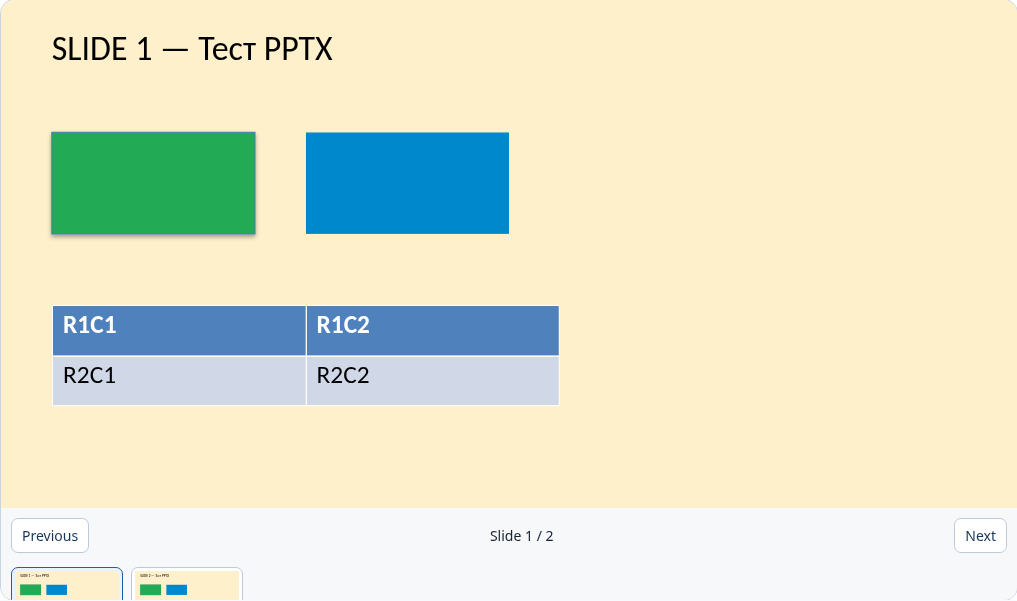
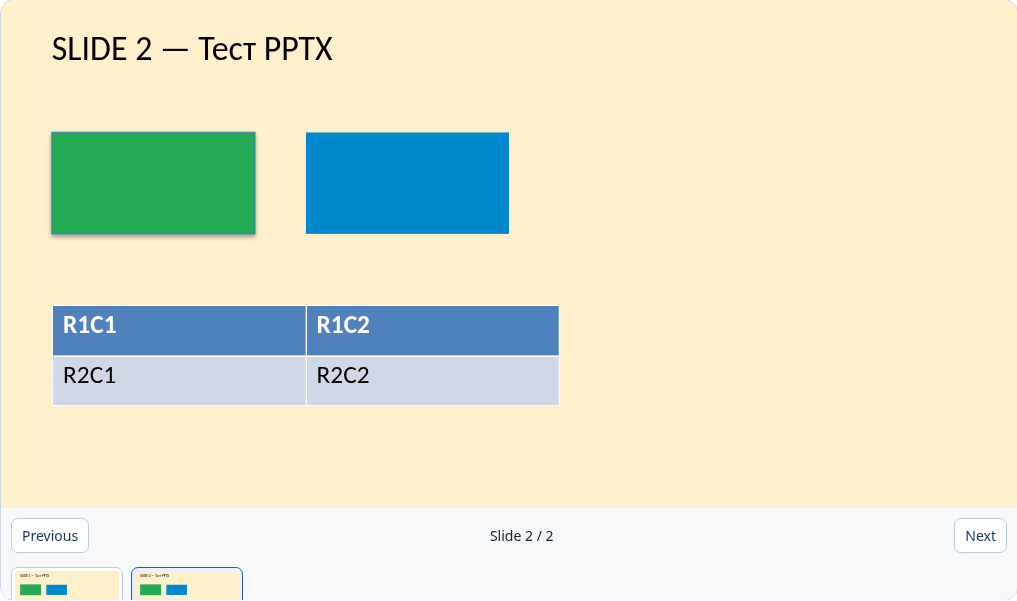
Verified 23 September 2026 with synthetic supported.pptx in Chromium, Firefox, and WebKit at 390 and 1365 px. The screenshots below were captured in Chromium. This is a browser preview, not a fidelity guarantee for every PPTX.
Preview shows text, images, basic shapes, and tables. Animations, SmartArt, charts, and embedded media may not display fully. Open the file in PowerPoint to verify the original layout.
| Feature | Status |
|---|---|
| Slide order, aspect ratio, background, text, raster images, basic shapes, tables | Supported for the tested synthetic fixture |
| Animations, SmartArt, charts, embedded media, decks over 200 slides | Partial: text fallback or incomplete visual preview |
| External links and media URLs in the document | Not loaded; text fallback |
| Editing and exact PowerPoint layout | Not supported |
Slide rendering limits
A browser PPTX viewer is not the same as PowerPoint.
Some presentation features may not display exactly as they do in PowerPoint, including:
- custom fonts;
- animations;
- transitions;
- embedded videos or audio;
- complex charts;
- speaker notes;
- comments;
- advanced layouts;
- linked files.
A viewer is best for checking slide content. If exact presentation behavior matters, open the file in PowerPoint or another full presentation app.
When PowerPoint is still better
Use PowerPoint, LibreOffice Impress, Keynote, or another full presentation app when you need to edit or present the deck.
A full app is usually better for:
- editing slides;
- checking animations and transitions;
- reviewing speaker notes;
- presenting to an audience;
- checking exact fonts and layout;
- working with media;
- preparing a final presentation.
A browser viewer is a quick preview tool. It is not a presentation editor.
Privacy checklist for presentations
Presentations can contain sensitive information, even when they look simple.
Before opening a PPTX, check whether it may include:
- internal strategy;
- customer names;
- financial data;
- speaker notes;
- hidden slides;
- screenshots;
- product plans;
- confidential diagrams.
Local browser viewing avoids uploading the PPTX to Utilio, but your device, browser extensions, and managed environment still matter.
For legal details, see Privacy Policy.
Common questions
Can I open PPTX without PowerPoint?
Yes. Use a browser viewer such as Utilio PPTX Viewer to preview a PPTX file without installing or launching PowerPoint.
Does a PPTX viewer upload my file?
It depends on the viewer. Utilio’s local PPTX viewing workflow processes the file in your browser and does not upload it to Utilio servers.
Will animations and fonts match PowerPoint?
Not always. Animations, transitions, custom fonts, media, and complex layouts may not render exactly like PowerPoint.
Can I edit slides?
No. Utilio’s PPTX Viewer is for viewing and inspection. Use PowerPoint, LibreOffice Impress, Keynote, or another editor if you need to change slides.
When should I use PowerPoint instead?
Use PowerPoint or another full presentation app when you need to edit, present, review animations, check speaker notes, or confirm exact layout before sharing.